


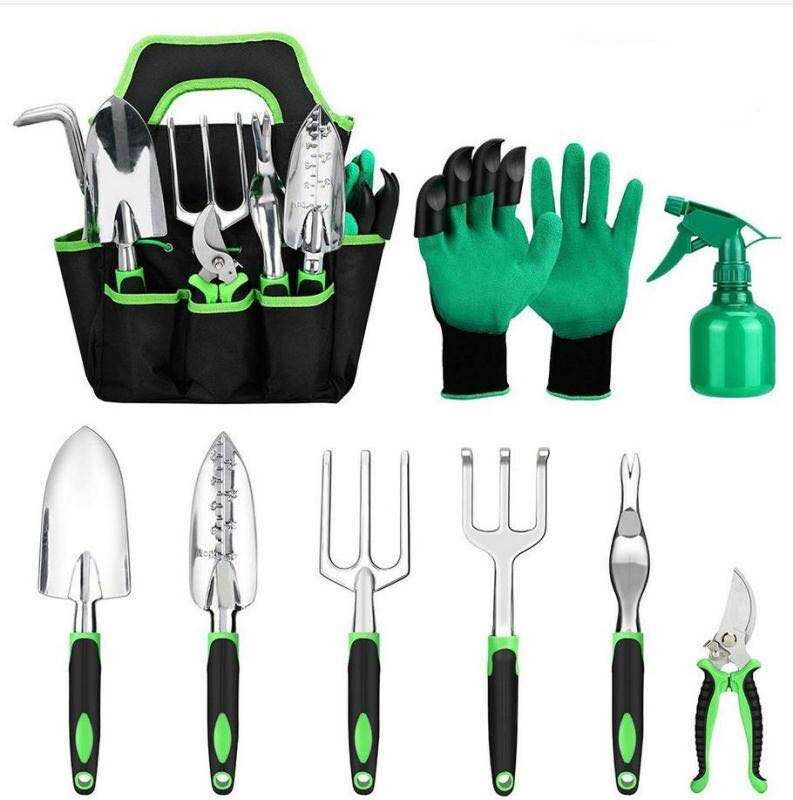
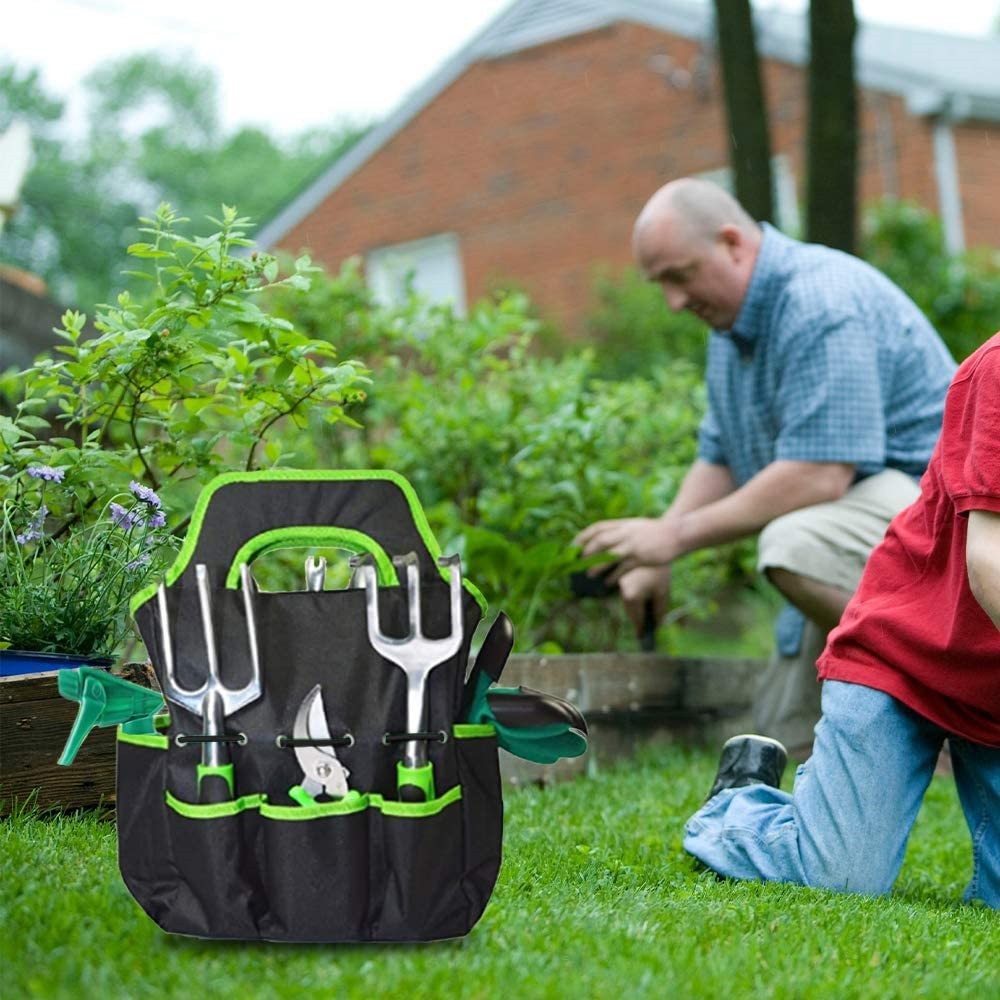
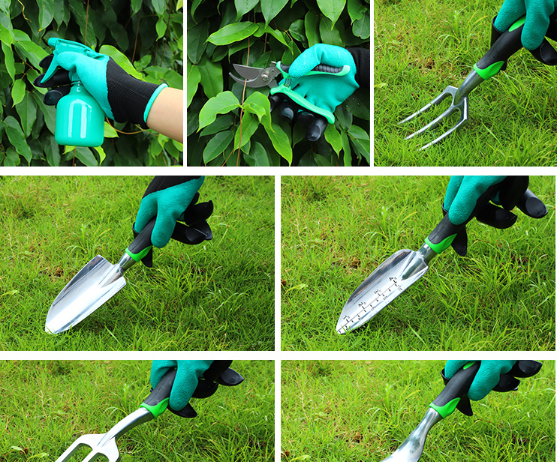
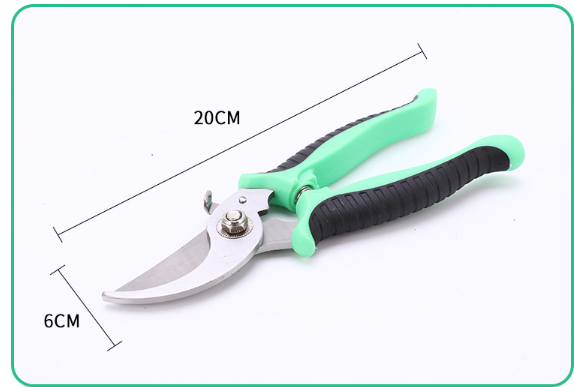
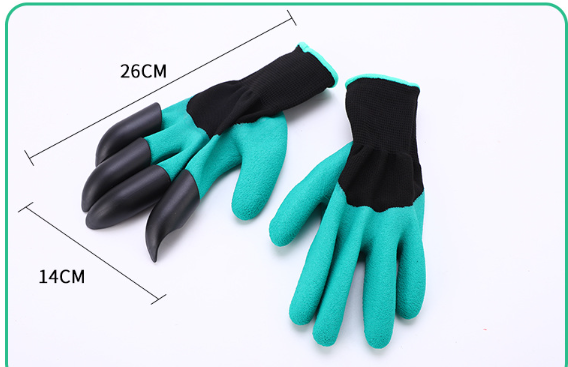
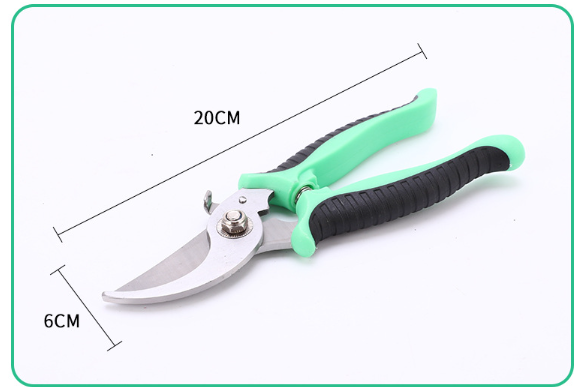
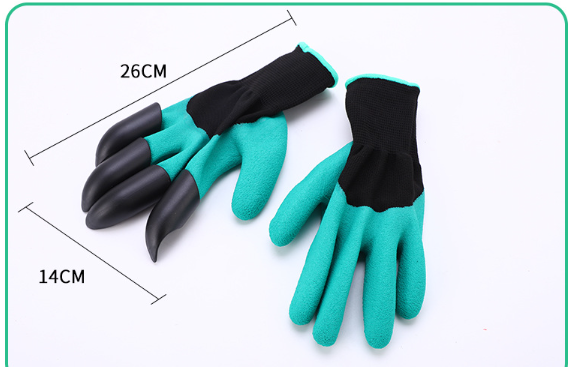
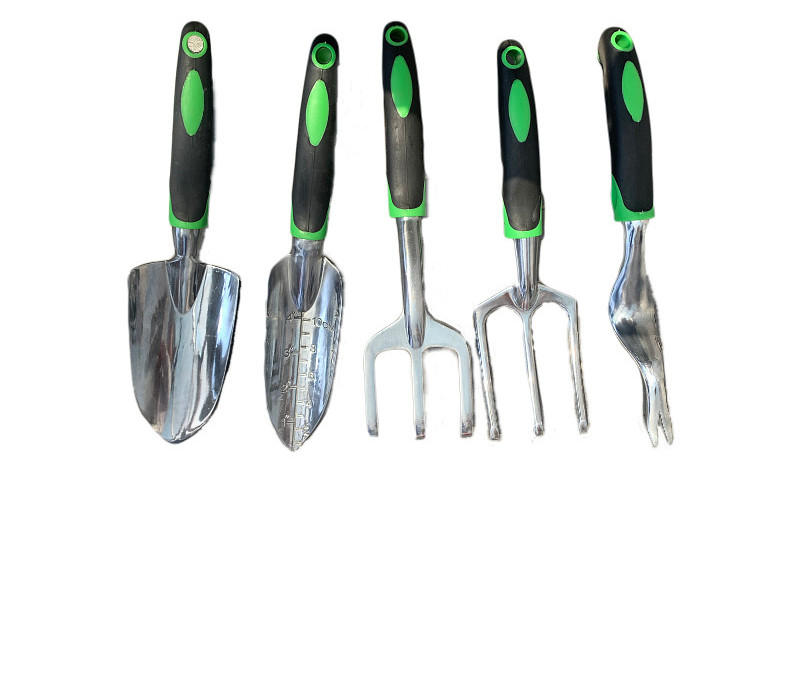
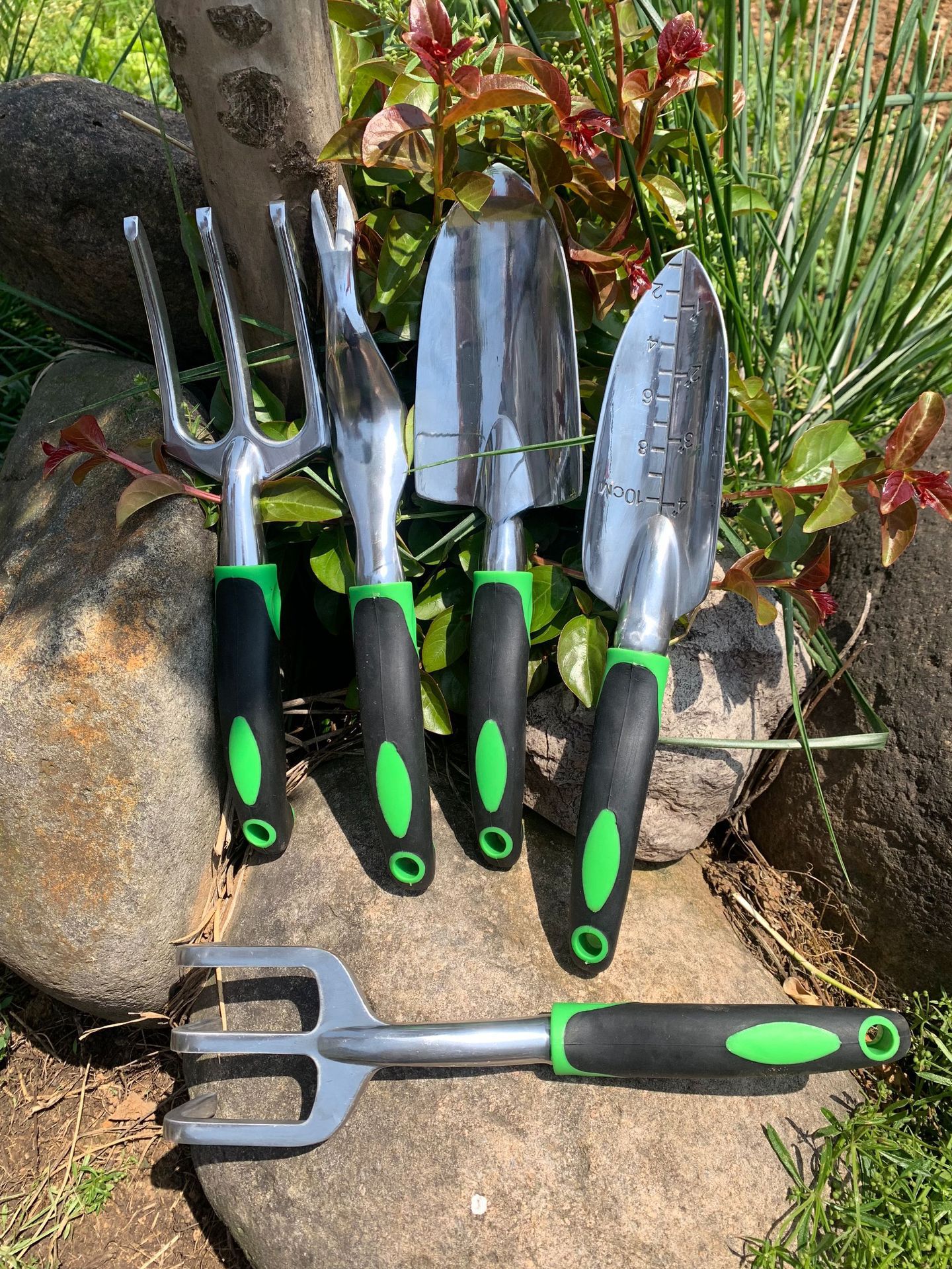
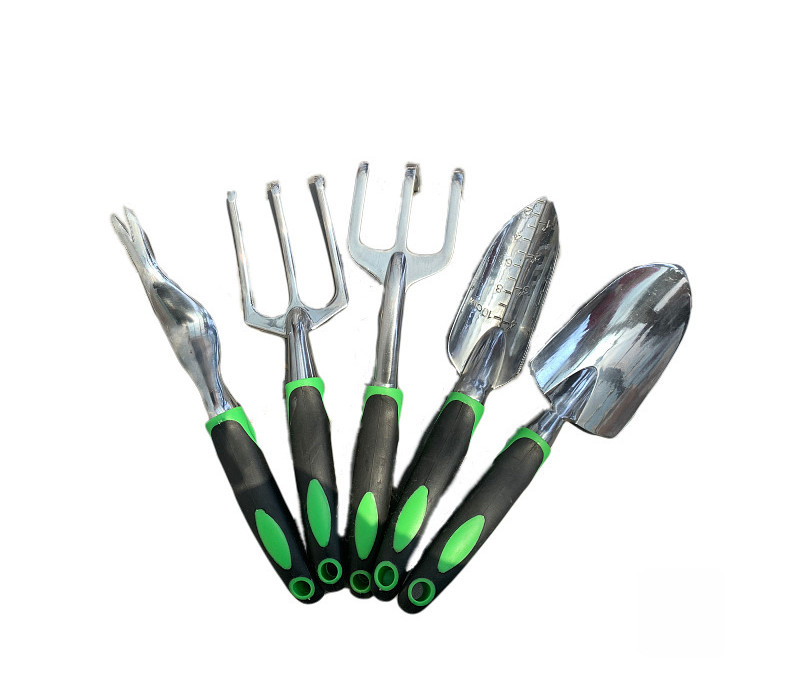
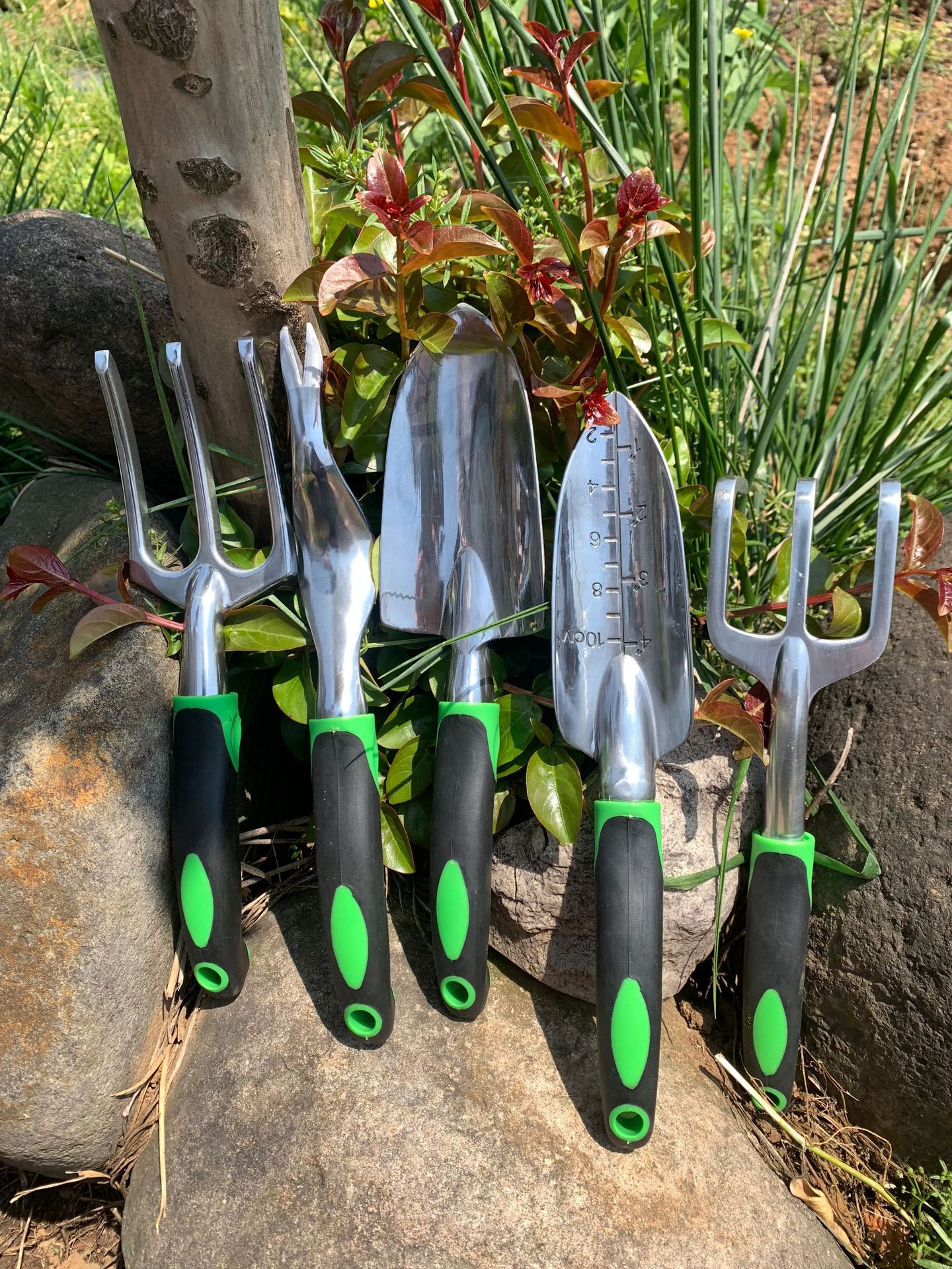
Gamer Fresh GreenQuest 9-Piece Aluminum Alloy Gardening Tool Set
- Free worldwide shipping
- In stock, ready to ship
The Perfect Quest for Gamers: A Gift That Brings Adventure Outdoors
Looking for a gift that offers gamers a refreshing escape from the screen? The Gamer Fresh GreenQuest Gardening Tool Set is the ultimate present to inspire a new kind of adventure—one that unfolds right in their own backyard. This tool set gives gamers a compelling reason to step outside, take a break from virtual worlds, and embark on a rewarding journey that enhances both their well-being and their home's appearance.
Why It's the Ideal Gift:
-
A Healthy Break from Gaming: Encourage your favorite gamer to balance their screen time with outdoor activity. Gardening provides a peaceful respite that can reduce stress and promote mental clarity.
-
Cultivate a New Hobby: Gardening is a fulfilling pastime that offers tangible rewards. Watching plants grow and thrive under their care can provide a sense of accomplishment akin to leveling up in a game.
-
Enhance Home Aesthetics: A beautiful garden doesn't just look good—it transforms living spaces into serene sanctuaries. The GreenQuest set equips gamers with everything they need to create a vibrant, welcoming environment at home.
-
Engage in Real-Life Quests: Just like in gaming, gardening involves strategy, patience, and skill development. Each plant nurtured and every flower that blooms represents a quest completed and an achievement unlocked.
-
Connect with Nature: Stepping outdoors and engaging with the natural world can boost mood and overall health. It's an opportunity to unplug and recharge in the most natural way possible.
Whether it's for a birthday, holiday, or simply to show you care, the Gamer Fresh GreenQuest Set is more than just a gift—it's an invitation to a new adventure that enriches life beyond the screen. Give the gamer in your life the tools to discover the joys of gardening, and watch as they cultivate not only a beautiful garden but also a balanced, rewarding lifestyle.

Use collapsible tabs for more detailed information that will help customers make a purchasing decision.
Ex: Shipping and return policies, size guides, and other common questions.